


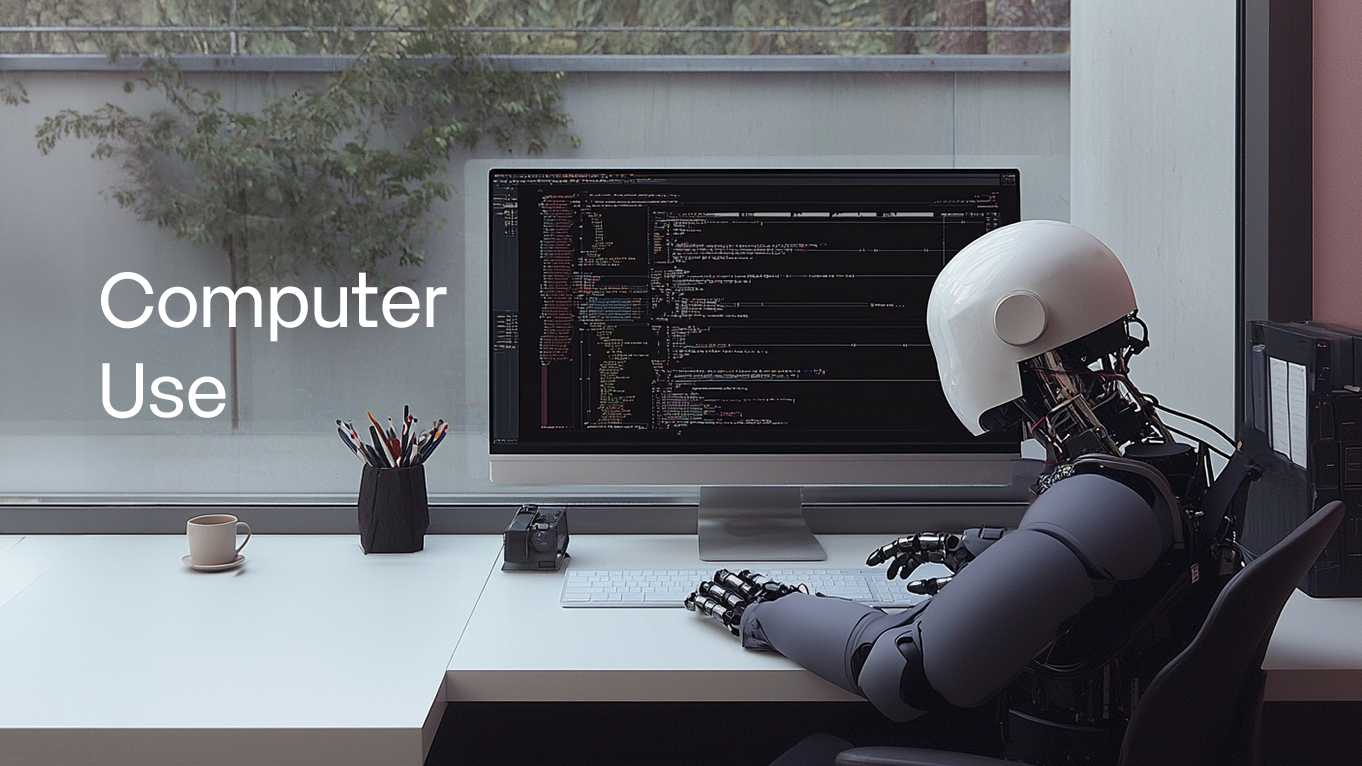
The conversation around AI agents is moving quickly toward execution. Enterprise teams are now asking whether AI agents can generate answers, understand business context, and carry out the procedures that real work depends on.
Anthropic recently made Computer Use, Browser Use Tool, Skills API, and Files API generally available on the Claude Platform, positioning them as part of a production agent stack. In that announcement, Computer Use was framed as part of a broader execution environment. It can operate web applications, apply organizational knowledge, read and write files, and return completed work.
Around the same time, Tencent released UI-Mate-27B, an open-weight model that observes real-time screenshots and generates keyboard and mouse actions based on the current screen state. Together, these developments show that Computer Use is gaining traction across both proprietary platforms and open model ecosystems.
Enhans has also worked on AI execution in real web environments. Its Large Action Model, ACT-1, ranked second overall at the time in Online-Mind2Web, showing the potential of web-based task execution and reusable action paths.
Enterprise Work Still Happens on Screens
Many companies talk about workflow automation, but real business operations still depend on systems that are difficult to connect through APIs alone. Admin portals, supplier portals, financial and public-sector systems, SaaS consoles, and internal operations tools often require people to log in, review information, enter values, and approve actions through a screen.
In this environment, even a strong AI decision may still require a person to complete the final step. AI can analyze data and recommend the next action, but entering a system, uploading a file, changing a status, or submitting a form requires an execution environment.
In a previous article, Enhans discussed how AI can understand and reference business context more accurately. Computer Use connects to the next question. Once AI understands the business criteria and context, what procedures can it carry out inside real business systems, and what results can it leave behind?
For enterprise teams, screen control alone is not enough. Execution needs to be repeatable, governed by the right permissions, and supported by records that teams can review.
Enterprise Work Needs Repeatable Execution Criteria
For individual users, Computer Use is often about completing a single task. An AI agent visits a website, finds information, fills out a form, or completes a booking or lookup. That can be enough for personal productivity.
Enterprise work requires a different standard. Repeated tasks need to follow the same criteria every time. The system should remain stable even when screens change or input fields move. If an error occurs during execution, the team should be able to see where it stopped. Sensitive actions may also require human approval.
To apply enterprise Computer Use to real work, execution conditions need to be defined first. Teams need to decide which systems AI can access, which actions it can perform automatically, and which steps require human approval. With these criteria in place, Computer Use can operate as repeatable automation inside business workflows.
A Commerce Use Case: Product Listing QA
In commerce platform operations, teams review hundreds of newly submitted product listings every day. They need to check whether each listing follows platform standards, advertising regulations, and internal guidelines. Product names, descriptions, images, categories, required disclosure fields, banned expressions, and exaggerated claims all need to be reviewed before approval, rejection, or hold.
This work often moves across product registration pages, review guideline documents, category policies, and review history screens.
When people handle the full process manually, throughput and consistency become difficult to maintain. Even with more reviewers, standards can be applied differently. If the team does not capture which item caused a rejection or which rule led to a hold, the same errors can keep appearing. During promotions, seasonal events, or large waves of new product onboarding, review queues grow quickly, and repeated rejection and resubmission requests add pressure to the operations team.
In this type of product listing review, business context and execution steps need to work together. AgentOS manages business context such as products, categories, policy criteria, and review history. ACT-2-based Computer Use can connect that context to execution steps inside product registration screens, including review, input, decision, and result logging.
ACT-2 helps capture which items were checked, what result was produced, and which execution path can be reused for similar review work later. When repetitive screen-based work is connected to execution records and reusable workflows, Computer Use can expand the scope of commerce operations automation.
A Manufacturing Use Case: Equipment History and Inspection Criteria
Manufacturing teams also deal with repeated screen-based work across inspection and maintenance processes. When an equipment issue occurs, a worker may need to review the current equipment status, past maintenance history, work orders, SOPs, inspection items, and previous action records. This information is often spread across multiple systems, documents, and internal tools.
When people handle this manually, the work can depend heavily on the experience of skilled operators. Even with the same abnormal signal, the team may need to decide which history to review first, which inspection item to prioritize, and which previous action worked in similar cases. As workers move between screens and documents, response speed and decision consistency can become harder to maintain.
AgentOS can organize business context such as equipment, components, failure causes, SOPs, and action history. ACT-2-based Computer Use can connect that context to execution steps, such as retrieving information from relevant screens or entering inspection results. With this structure, equipment inspection work can reference the right history and criteria more consistently.
Execution Records Make Automation Scalable
Execution history is the common thread across the commerce and manufacturing examples. For Computer Use to work in enterprise operations, teams need a record of which screens AI visited, which values it entered, and which exceptions it encountered. If a successful execution path disappears after the task is done, it is difficult to reuse that work for similar tasks.
When AI has to interpret every screen and rebuild every procedure from the beginning, repeated work becomes slower and more expensive. Verified execution paths can become workflow assets, helping teams handle the same type of work more consistently. If a screen or input field changes, existing execution records also make it easier to identify which part of the workflow needs to be adjusted.
This is where Computer Use connects with business context, execution permissions, and verification records inside AgentOS. Enhans is applying its work on web-based task execution and reusable action paths to enterprise Computer Use within AgentOS. ACT-2 helps move AI decisions into real business screens and capture the results and records produced during execution.
Enterprise AI Is Completed Inside Business Systems
For AI agents to become more useful in enterprise work, teams need to design the steps that follow analysis and recommendation. They need to define which systems AI can access, which procedures it can perform, which actions require human approval, and how execution results should be checked.
Computer Use points to an important technical direction for this work. Enterprise environments need repeatable workflows, governed execution environments, execution logs, and verifiable results. These conditions allow AI work to become a trusted business outcome inside the organization.
Computer Use gives enterprise AI a way to complete work inside the systems where operations actually happen. When AI understands business context, operates within defined permissions, and leaves results that the organization can verify, it can support real operational work outside the chat interface.

in solving your problems with Enhans!
We'll contact you shortly!